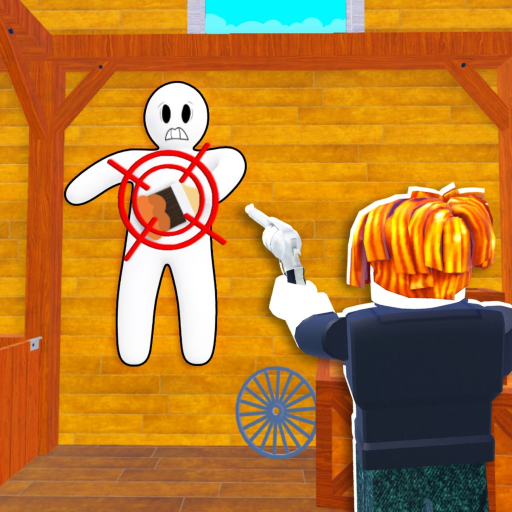
How do I blend into walls in Chameleon Roblox?
To blend into a wall: (1) identify the wall's color, (2) visit the color pool matching that color, (3) coat your dummy, (4) press flat against the wall to break your silhouette, (5) stay still. The official description says 'Blend into walls, floors, and objects' - the same method works for any surface.
What are color pools for in Chameleon Roblox?
Color pools are map objects that apply paint to your dummy. Each pool dispenses a specific color. You must choose the pool whose color matches the surface you plan to hide against - a wrong-color dummy is visible from across the map.
How do I paint my dummy in Chameleon Roblox?
Walk into a color pool. The pool coats your avatar dummy in its color. The official Roblox description says 'Navigate all color pools and coat your avatar.' You can visit multiple pools if your hiding spot spans different-colored surfaces.
Why can the Seeker still see me when I'm blended?
Three reasons: (1) wrong color - your paint doesn't match the surface, (2) visible silhouette - you're standing instead of pressing flat, or (3) movement - you flinched during the search phase. Fix all three and you're nearly invisible. Also, if you're in a known OP spot, the Seeker may check it regardless of blend quality.