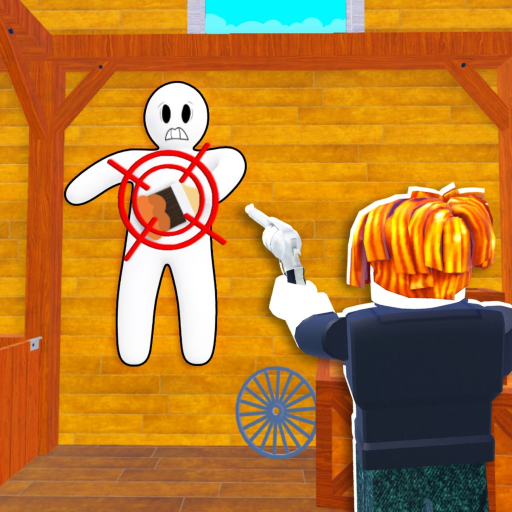
Avatar Dummy
The dummy is your in-game avatar body - the thing you paint and hide. The official Roblox description says "Paint your Dummy." The dummy takes on whatever color you apply at a color pool, and its visibility depends on how well that color matches the surface you blend against. The dummy's pose matters: a compact, flat pose against a wall is far harder to spot than a standing or sprawling one.
Type: Player avatar
Function: Painted to camouflage into the map
Best use: Flat, color-matched positioning against surfaces
Risk: Outline visible if not pressed flat
Color Pools
Color pools are map objects that apply paint to your dummy. Each pool dispenses a specific color. The strategic decision is which pool to visit - it must match the dominant color of your hiding surface. Visiting the wrong pool means your dummy is the wrong color and will stand out against the surface you're trying to blend into.
Type: Map object
Function: Applies color to dummy
Best use: Match pool color to hiding surface
Advanced: Multi-pool blends for complex surfaces
Camouflage / Blend State
Camouflage is the state of being painted the correct color and positioned to be invisible against a surface. Effective camouflage requires three conditions simultaneously: (1) color match, (2) broken silhouette, and (3) stillness. Failing any one of these usually gets you spotted. The blend is only as strong as the weakest of these three factors.
Color match: Pool color = surface color
Silhouette: Press flat, no outline
Stillness: No movement during search
Full how-to-blend guide